
 Doc Summary

#
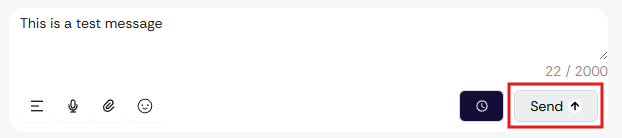
If you are attempting to send an SMS message on messages.dataphone.cloud and see a red “ “ when trying to click on the send button, it means your account has not been assigned to the phone number.
Why This Happens #
To ensure message tracking and proper routing, only users who are assigned to a specific phone number can send SMS messages directly. If you are not assigned, the send button will remain disabled, and you will see a red ““.
How to Resolve #
- Contact your system administrator and request to be assigned to a phone number within the portal.
- Once assigned, refresh your session in messages.dataphone.cloud.
- The send button should now be enabled, and you can send SMS messages normally.
Special Case for Admin Users #
If you are logged in as an Admin, you can still send messages without being assigned to a number by pressing the Enter key after typing your message.
Note: If you continue experiencing issues after being assigned to a number, please log out and log back in, or contact our support team at help@dataphone.cloud for assistance.


