Doc Summary

ℹ️Overview
This article explains how to extract specific call recordings from the reporting portal.
📋Prerequisites
- Access to reporting.dataphone.cloud
- A supported web browser (Chrome, Edge, Firefox)
🪜Steps
Sign in to https://reporting.dataphone.cloud/ with the credentials shared with you.
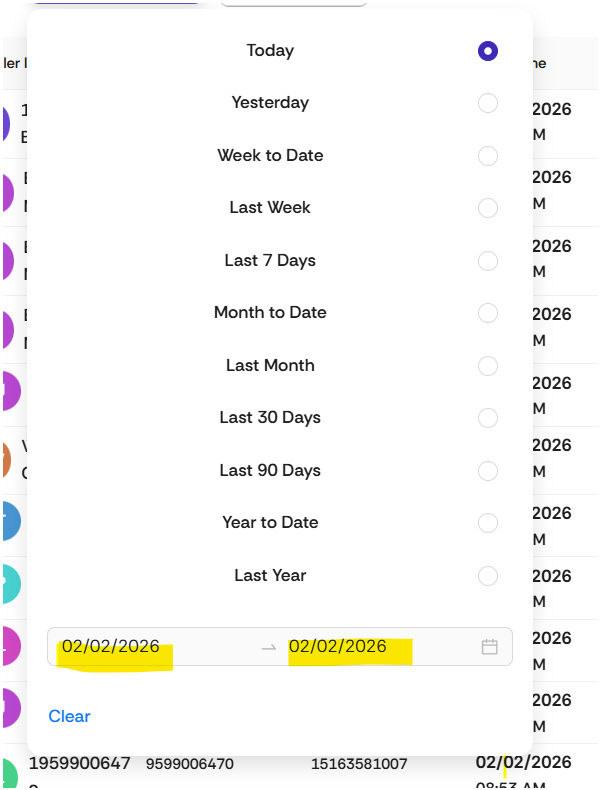
Select the date range for call recording (click on the “Today’s” drop-down).

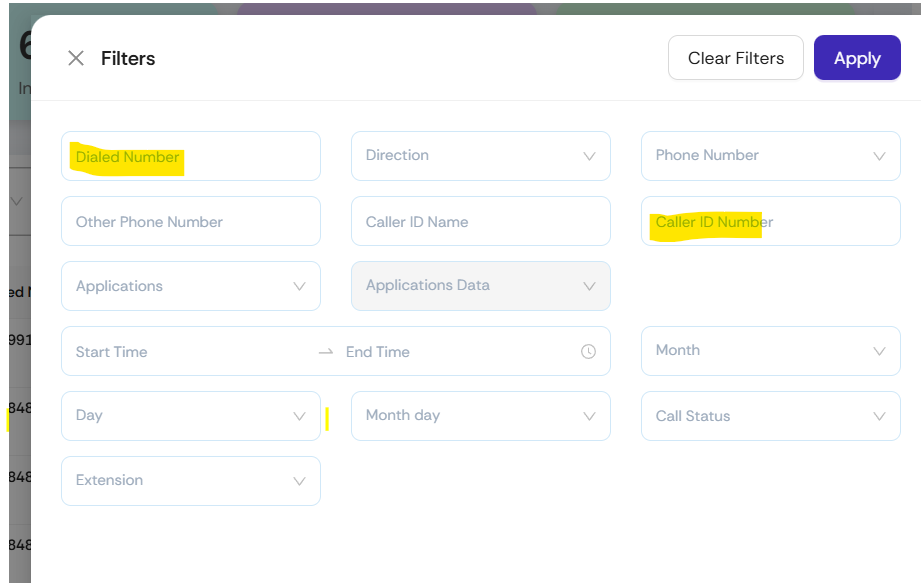
Click on the highlighted hamburger icon. Enter the dialed number and caller ID number, etc., to extract the required data.

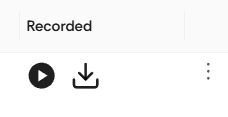
Once the required data has been extracted, click on the download button to download the call recording to a location on your computer.